Course Curriculums
Course Description
Adobe Dreamweaver CC 2015.1 is associated with creation and designing of websites that are a developer’s fantasy come true. Dreamweaver Training permits users to access Creative Cloud library and Adobe Stock to integrate the benefits of both. Adobe offers the design elements and styles as well as top quality videos and images.
Collaborative features within CC are perfect for providing steady workflows from designers to developers. Responsive web design as well as various other enhancements have been possible through user input and feedback. Novel features and enhancements made to Adobe Dreamweaver provide for the perfect experience when it comes to user friendly HTML editors.
How to access:-
Step 1 - eduCBA sends the redemption coupon along with the registration link.
Step 2 - Student will register with his register email id and coupon
Step 3 - Student receive the course access and password on his/her email id
Step 4 - Login using your email id and password and start learning
Benefits of online course:
1. High Quality Content
2. Learn Anywhere Anytime & at Your Pace
3. 24X7 Customer Support
4. Complete Student Support throughout the Program
5. Online Video Training Material
6. Lifetime course access
For any query call/miss call-
Mob-+918587999769/9818826705
Curriculum
Section 1: Dreamweaver Introduction
1 Dreamweaver Introduction Part 1
2 Dreamweaver Introduction Part 2
3 Dreamweaver Introduction Part 3
Section 2: Dreamweaver User Interface
4 Dreamweaver User Interface Part 1
5 Dreamweaver User Interface Part 2
6 Dreamweaver User Interface Part 3
7 Dreamweaver User Interface Part 4
8 Dreamweaver User Interface Part 5
9 Dreamweaver User Interface Part 6
10 Dreamweaver User Interface Part 7
Section 3: Creating New Site
11 Dreamweaver Creating New Site Part 1
12 Dreamweaver Creating New Site Part 2
13 Dreamweaver Creating New Site Part 3
14 Dreamweaver Creating New Site Part 4
15 Dreamweaver Creating New Site Part 5
16 Dreamweaver Creating New Site Part 6
17 Dreamweaver Creating New Site Part 7
18 Dreamweaver Creating New Site Part 8
19 Dreamweaver Creating New Site Part 9
20 Dreamweaver Creating New Site Part 10
21 Dreamweaver Creating New Site Part 11
22 Dreamweaver Creating New Site Part 12
23 Dreamweaver Accessibilty
24 Accessibility Continued
25 Started Page of Dreamweaver
26 Adding CSS
27 Modifying CSS
28 Modifying CSS Continued
29 Modifying CSS – Replacing Logo Image
30 Using Word File
31 Preference- Edit Options
32 Importing Same Content of Word
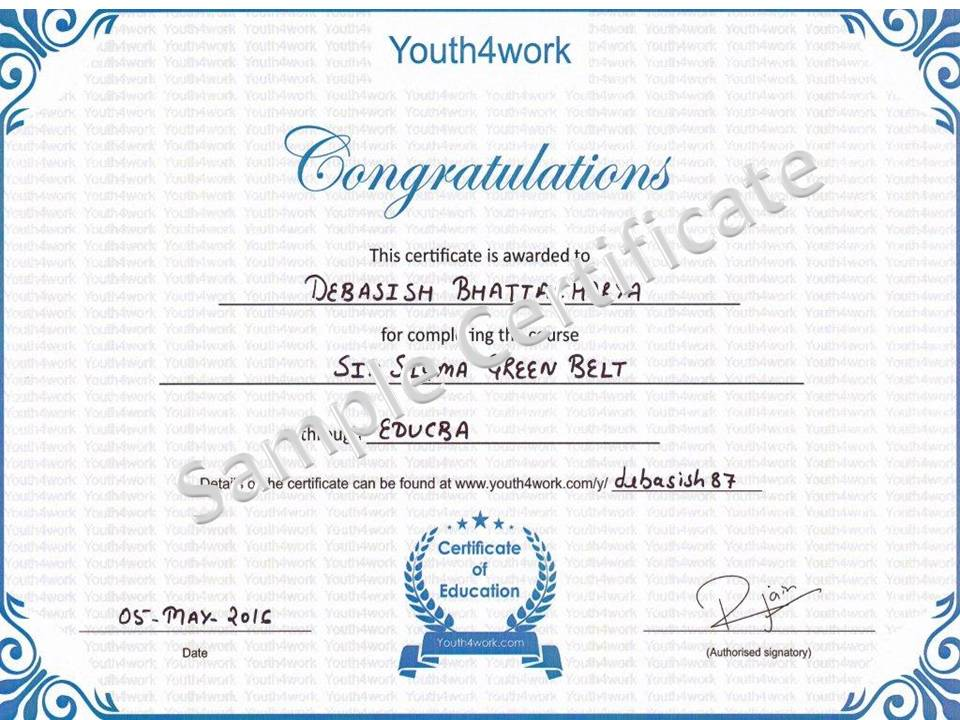
Here is a sample for the course completion certificate which you will recieve after complete the course. This certificate is widely accepted across industries and will boost your chances to grab the job opportunities.
Mail us at: [email protected] with below details to receive your certificate:

Here is a sample for the course completion certificate which you will recieve after complete the course. This certificate is widely accepted across industries and will boost your chances to grab the job opportunities.
Mail us at: [email protected] with below details to receive your certificate:
Curriculum
Section 1: Dreamweaver Introduction
1 Dreamweaver Introduction Part 1
2 Dreamweaver Introduction Part 2
3 Dreamweaver Introduction Part 3
Section 2: Dreamweaver User Interface
4 Dreamweaver User Interface Part 1
5 Dreamweaver User Interface Part 2
6 Dreamweaver User Interface Part 3
7 Dreamweaver User Interface Part 4
8 Dreamweaver User Interface Part 5
9 Dreamweaver User Interface Part 6
10 Dreamweaver User Interface Part 7
Section 3: Creating New Site
11 Dreamweaver Creating New Site Part 1
12 Dreamweaver Creating New Site Part 2
13 Dreamweaver Creating New Site Part 3
14 Dreamweaver Creating New Site Part 4
15 Dreamweaver Creating New Site Part 5
16 Dreamweaver Creating New Site Part 6
17 Dreamweaver Creating New Site Part 7
18 Dreamweaver Creating New Site Part 8
19 Dreamweaver Creating New Site Part 9
20 Dreamweaver Creating New Site Part 10
21 Dreamweaver Creating New Site Part 11
22 Dreamweaver Creating New Site Part 12
23 Dreamweaver Accessibilty
24 Accessibility Continued
25 Started Page of Dreamweaver
26 Adding CSS
27 Modifying CSS
28 Modifying CSS Continued
29 Modifying CSS – Replacing Logo Image
30 Using Word File
31 Preference- Edit Options
32 Importing Same Content of Word