Course Description
V-Ray offers modern rendering technology for your most demanding projects. Vray is the industry standard for rendering in 3d visualization. It is a render engine that is capable of plugging in to various modeling software’s. It’s brilliant output is somehow matched by very efficient rendering speeds. The ability to control minute details of sampling allow the user to optimize scenes to degrees that other renderers pale in comparison on.
This course starts with the basics of V-Ray wherein it explains why Vray is used in the different types of industry. The advantage to use Vray over any other render engine. Further to build the base for the course we would understand the behavior of light in general, all the basic CG lights are explained to get an idea of CG light behavior, a short and quick comparison between natural light source and the CG lights of 3DS max, a short and quick comparison between Artificial light source and the CG lights of 3DS max. We will then look at the installation process of Vray and setting the render engine to Vray to get the Vray related options. We would learn about Vray Lights and its types, various light attributes, V-Ray materials and textures, V-Ray global switches, V-Ray image sampler, V-Ray adaptive subdivision image sampler and V-Ray environment. The next set of modules will deal with Indirect illumination, irradiance map, brute force GI, caustics, DMC sampler, Default displacement, System, V-Ray color mapping, V Ray camera, image based lighting and finally V Ray physical camera.
What are the requirements?
Basic Computer Knowledge
Good in drawing skills, visualizing
Passion to learn
What am I going to get from this course?
Over 7 lectures and 56 mins of content!
To study a completely new program of V-Ray
To enhance your knowledge by learning the use of V-Ray over any other render machine
To learn all about V-Ray and its usage
What is the target audience?
Animation students
Professionals of post-production companies
How to access:-
Step 1 - eduCBA sends the redemption coupon along with the registration link.
Step 2 - Student will register with his register email id and coupon
Step 3 - Student receive the course access and password on his/her email id
Step 4 - Login using your email id and password and start learning
Benefits of online course:
1. High Quality Content
2. Learn Anywhere Anytime & at Your Pace
3. 24X7 Customer Support
4. Complete Student Support throughout the Program
5. Online Video Training Material
6. Lifetime course access
For any query call/miss call-
Mob-+918587999769/9818826705
Curriculum
Section 1 Lighting and its behavior
1 Light and its behaviour
2 Light and its behaviour Continues
Section 2 CG Lights
3 CG Lights
4 CG Lights Continues
5 Natural vs CG Lights
6 Artificial vs CG Lights and VRay
7 What is VRay
Section 3 Plane Vray Light
8 Plane Vray Light
9 Plane Vray Light continues
10 Light Types and Intensity
11 Color And Temperature
12 Size and Options
13 Size and Options continues
14 Diffuse,Specular And Reflection options
15 Sampling
16 Texture and Direction
Section 4 Dome and Mesh Lights
17 Dome and Mesh Lights
18 Dome and Mesh Lights continues
19 Setup for Using Materials
20 Setup for Using Materials continues
21 Diffuse
22 Reflection
23 Fresnel PPT
24 Fresnel Option
25 Glossiness,Max Depth & Exit Color
26 Glossiness,Max Depth & Exit Color continues
27 Dim and Affect Color
28 Refraction to Exit Color
29 Refraction to Exit Color continues
30 Refraction Fog color
31 Affect Channels
32 Vray Frame Buffer
33 Vray Frame Buffer (Continues)
34 Frame Buffer Controls
35 V Ray environment Skylight Override
36 V Ray environment Reflection Refraction Override
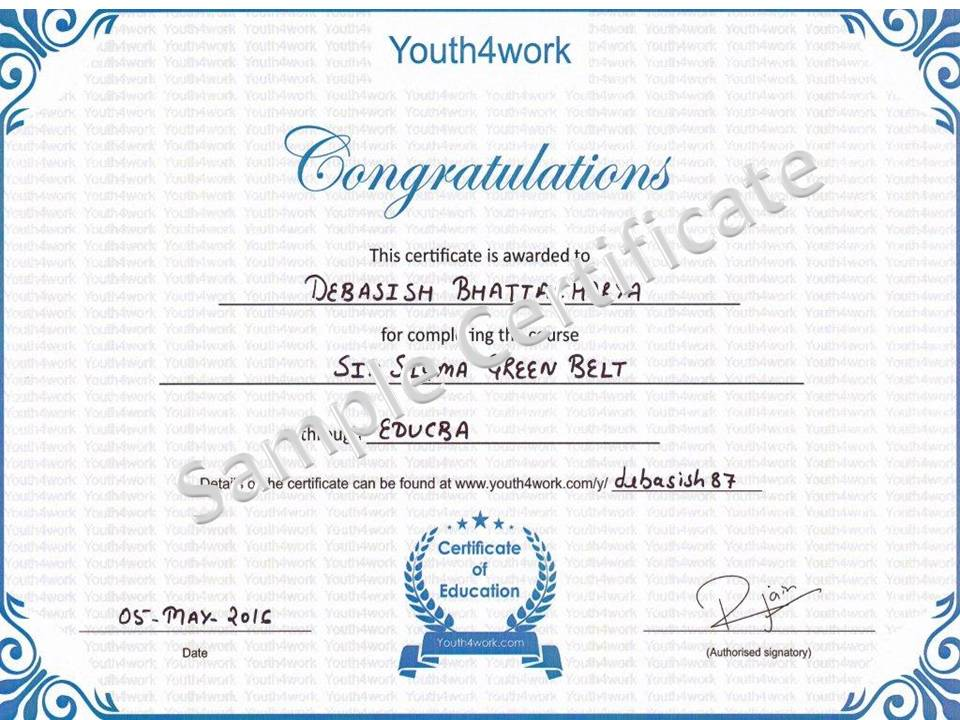
Here is a sample for the course completion certificate which you will recieve after complete the course. This certificate is widely accepted across industries and will boost your chances to grab the job opportunities.
Mail us at: [email protected] with below details to receive your certificate:
- Name
- Course Name
- Date of Completion
- Address